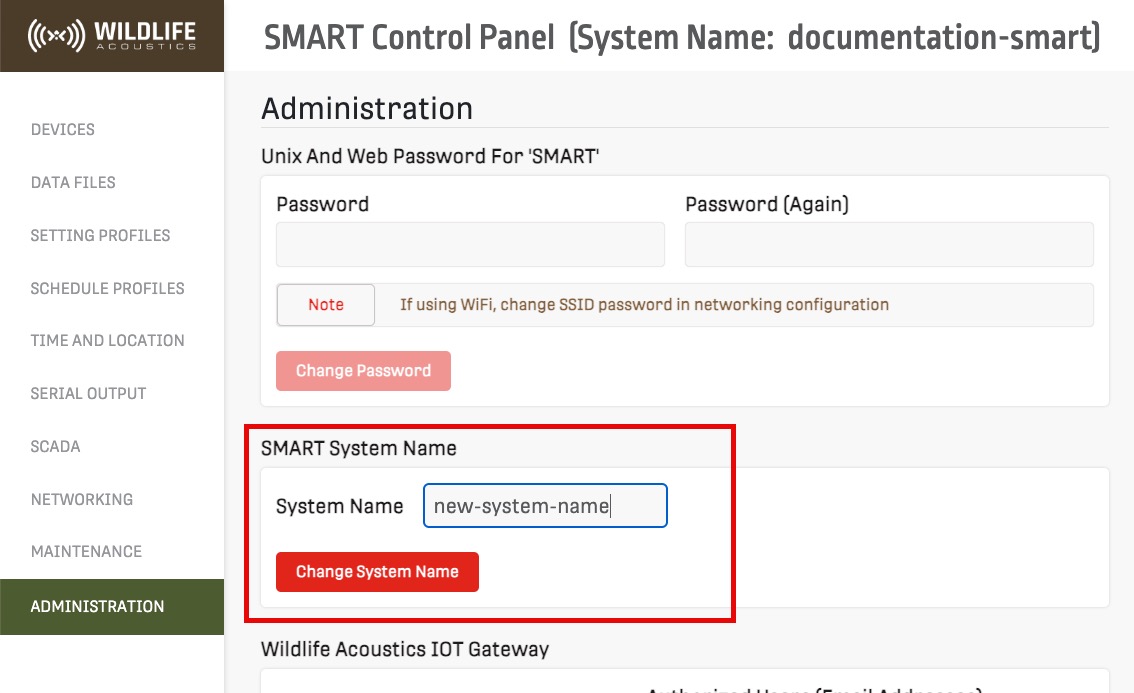
Change System Name
Each SMART Controller can be given a name to distinguish it from other SMART Controllers.
About this task
The SMART System name appears in multiple locations:
- SMART Portal
- SMART Control Panel
- Results and log files
- Recording metadata
Procedure
- Open the SMART Control Panel and go to Administration.
-
Enter a new SMART System Name and select
Change System Name.