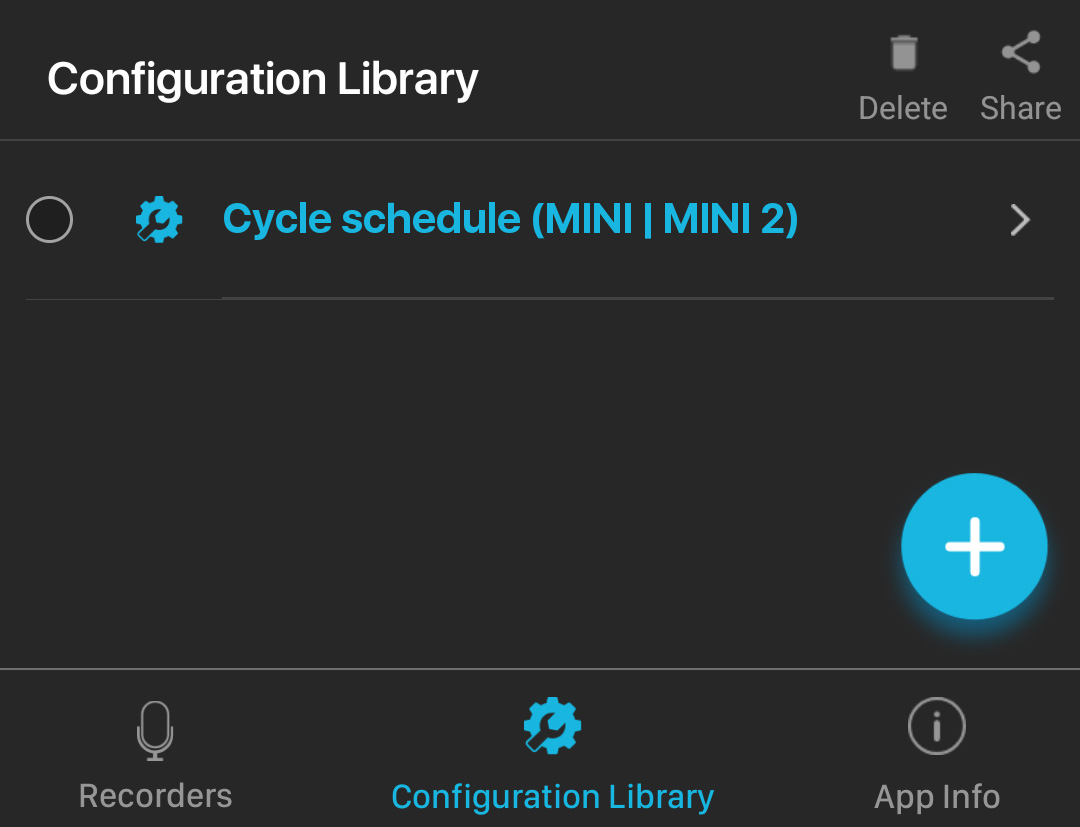
Android: Import from Gmail
About this task
If a .miniconfig file is sent to you as an email attachment, you can import the file into the Song Meter Configurator 's Configuration Library. Importing files sent via other means, such as a message app, a cloud storage app, or the device's file browser, works via a similar series of steps.
Procedure
- Open the Gmail app.
-
Open the message containing the .miniconfig file
attachment.
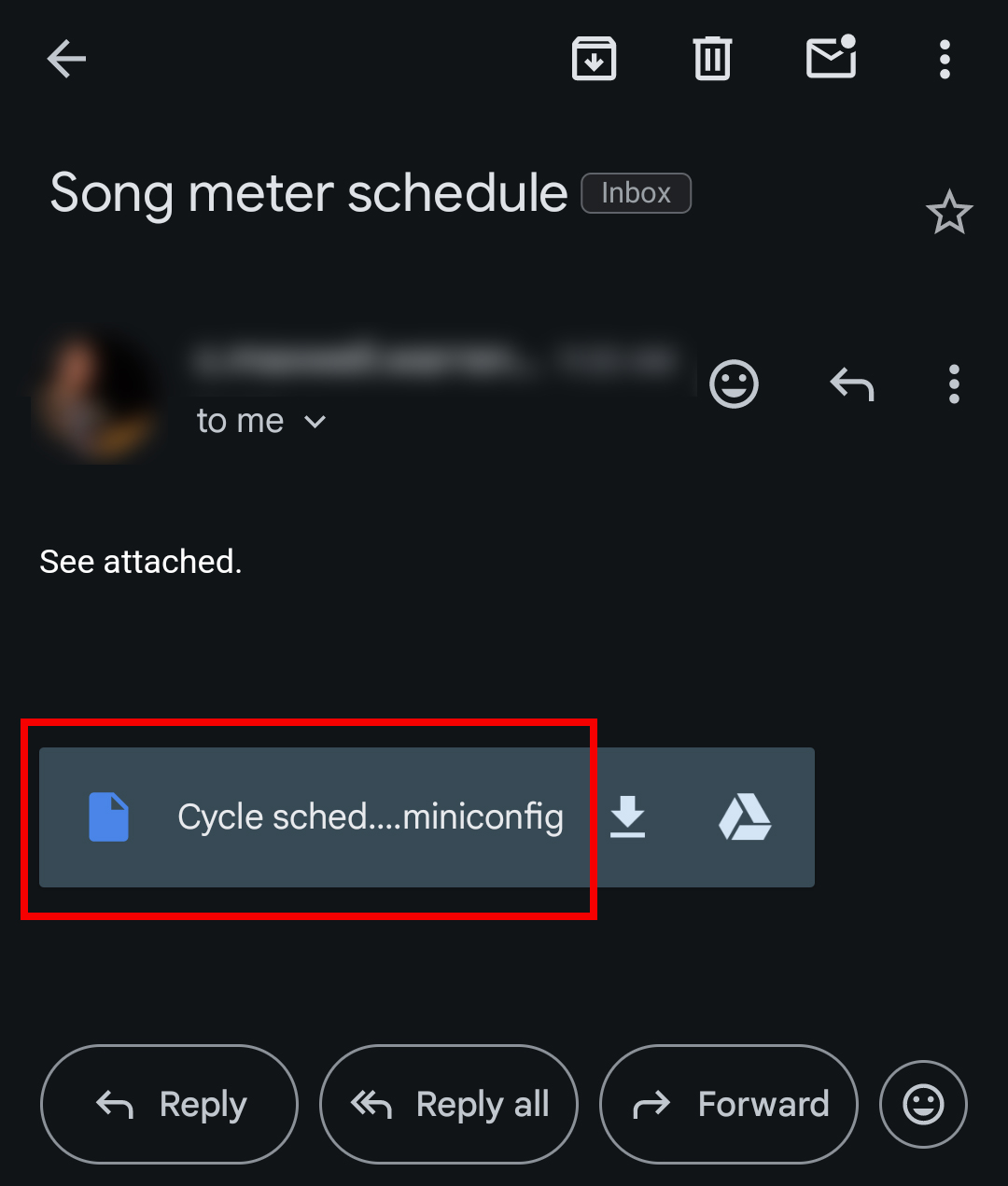
- Tap on the attachment name. Do not tap on the Download or Google Drive icons.
Results
The Configuration file will be imported and visible in the Configuration Library.